



Payment & Security
Your payment information is processed securely. We do not store credit card details nor have access to your credit card information.
Description
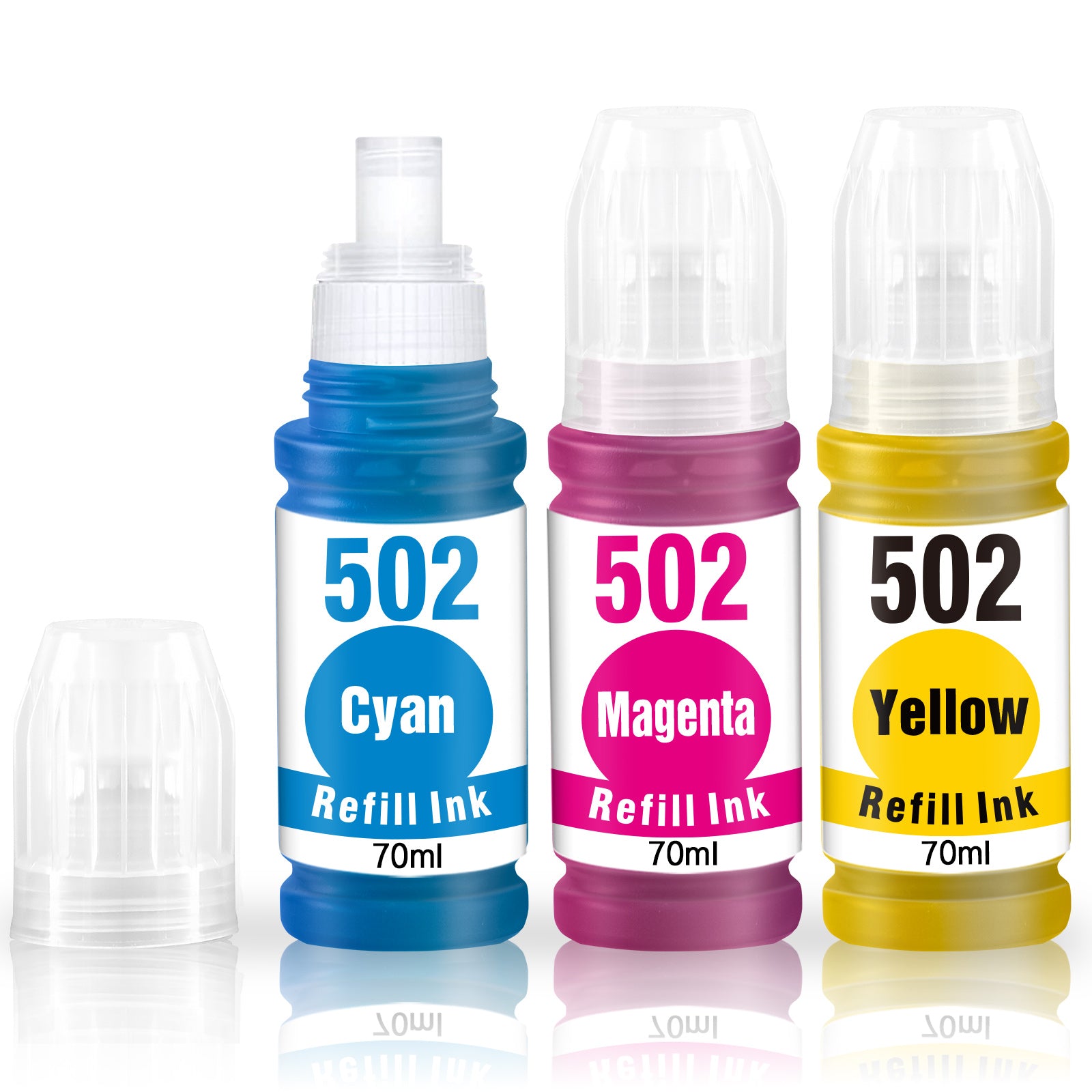
Linford Compatible Epson 502 EcoTank Ink Refill Bottles — 3-Pack (Cyan + Magenta + Yellow)
This 3-pack of compatible Epson 502 ink refill bottles provides Cyan, Magenta, and Yellow replacements for Epson EcoTank T502 series printers. Each bottle contains 70ml of ink — more than Epson's original 65ml bottles — with an auto-stop no-spill nozzle for clean, mess-free refilling. Backed by Linford's lifetime warranty.
Extra 20% off automatically applied at checkout — no code needed.
Note: This pack contains 3 color bottles (Cyan, Magenta, Yellow) only. The compatible black 502 ink bottle (T502120-S) is sold separately.
What's in the Box
| Bottle | OEM Number | Color | Volume | Page Yield |
|---|---|---|---|---|
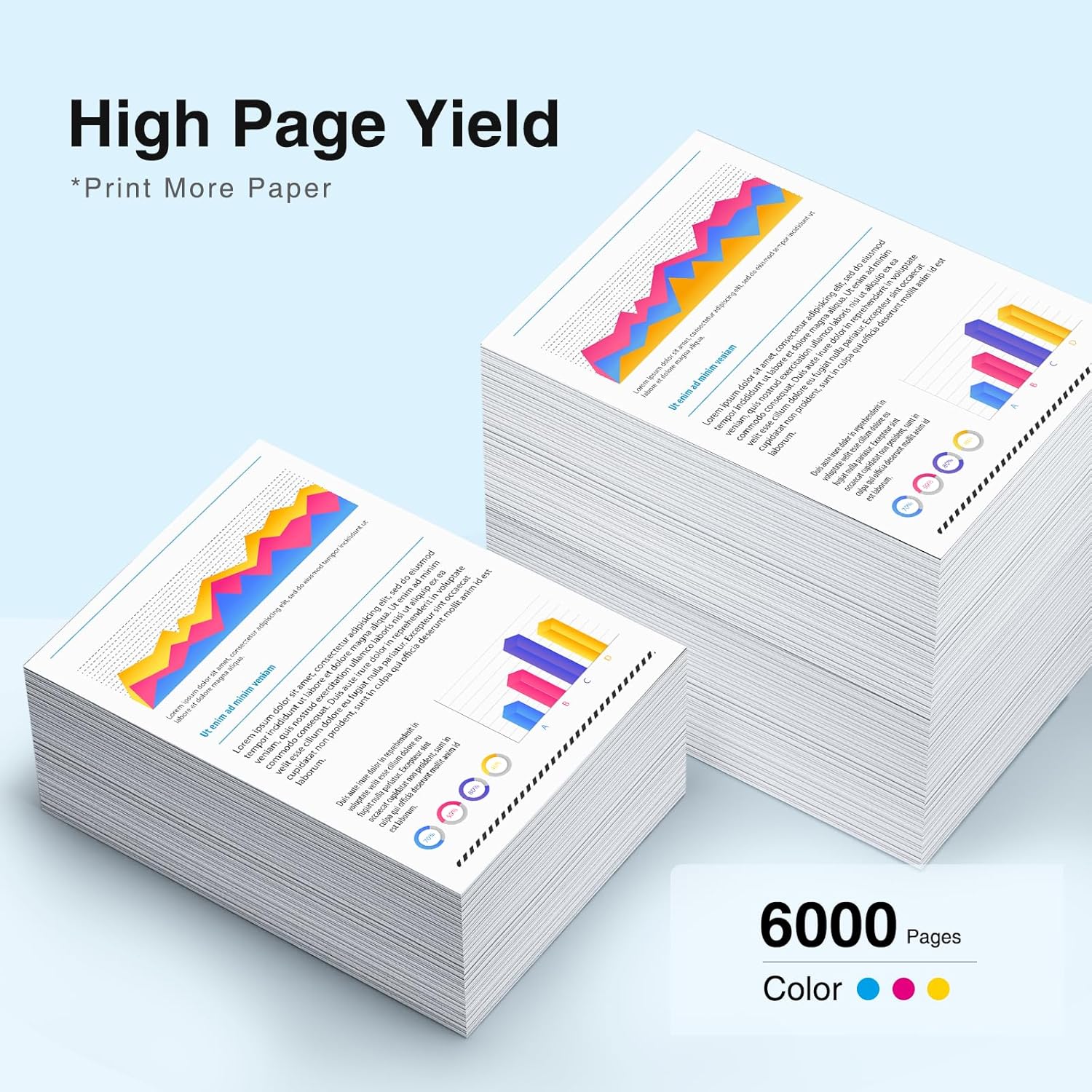
| 1 × Epson 502 Cyan | T502220-S | Cyan | 70ml | ~6,000 pages |
| 1 × Epson 502 Magenta | T502320-S | Magenta | 70ml | ~6,000 pages |
| 1 × Epson 502 Yellow | T502420-S | Yellow | 70ml | ~6,000 pages |
Page yield measured at 5% coverage per ISO testing standards (Letter/A4).
More ink than OEM: Linford 502 bottles contain 70ml vs Epson's original 65ml — giving you more prints per bottle at a fraction of the OEM price.
Compatible Epson EcoTank Printers
| Series | Models |
|---|---|
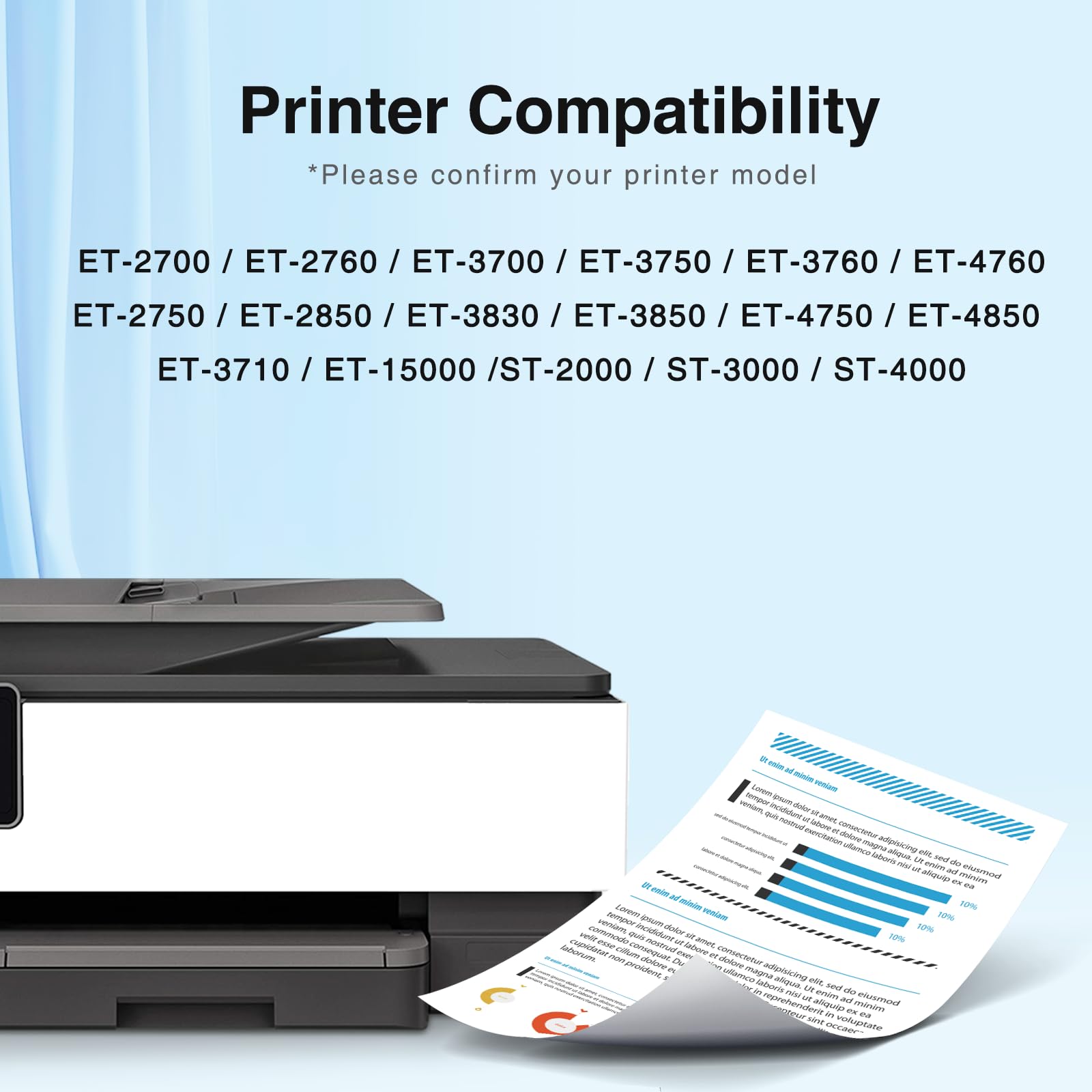
| Epson EcoTank | ET-2700 · ET-2750 · ET-2760 · ET-2850 · ET-3700 · ET-3710 · ET-3750 · ET-3760 |
| Epson EcoTank | ET-3830 · ET-3843 · ET-3850 · ET-4750 · ET-4760 · ET-4850 · ET-15000 |
| Epson WorkForce | ST-2000 · ST-3000 · ST-4000 · ST-C4100 |
Tip: Not sure which ink your printer uses? Open the scanner lid and look for the ink series number printed on or near the ink tanks. If it shows 502, these bottles are the right fit.
Understanding the 502 Ink System: Pigment Black + Dye Color
The Epson 502 ink system uses two different ink types — and this is important to understand before purchasing:
| Component | Ink Type | Best For |
|---|---|---|
| 502 Black (T502120-S) | Pigment-based | Sharp text, water-resistant documents, archival printing |
| 502 Cyan / Magenta / Yellow | Dye-based | Vibrant color output, photos, color documents |
This combination — identical to Epson's OEM 502 formula — gives you the best of both worlds: crisp, durable black text and vivid, accurate color reproduction. This 3-pack contains the dye-based CMY color bottles only.
Epson 502 vs Epson 522: Which Ink Does Your Printer Use?
These two series are not interchangeable — using the wrong ink will affect print quality and may damage your print head.
| Epson 502 | Epson 522 | |
|---|---|---|
| Black Ink Type | Pigment-based | Dye-based |
| Color Ink Type | Dye-based | Dye-based |
| Typical Printers | ET-2760, ET-2850, ET-4850 series | ET-2803, ET-2800, ET-2720 series |
| Compatible With Each Other? | ❌ No | ❌ No |
Always confirm your ink series before ordering by checking the label on or near the ink tanks inside your printer.
How to Refill Your EcoTank with Epson 502 Ink (Step by Step)
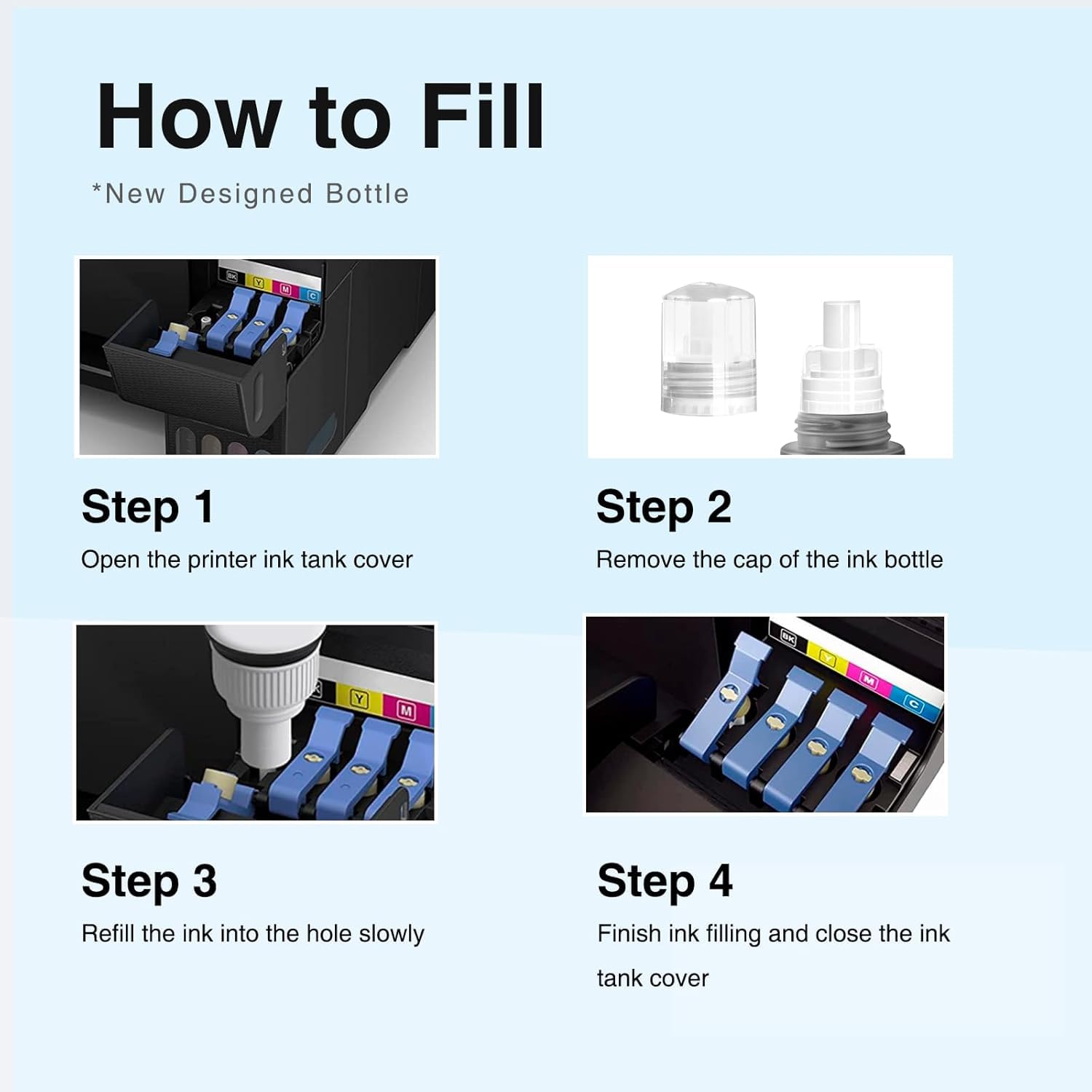
- Open the scanner unit on top of your printer to expose the ink tanks
- Open the cap on the color ink tank you are refilling (Cyan, Magenta, or Yellow)
- Remove the inner seal from the bottle tip — do not skip this step or ink will not flow
- Insert the bottle nozzle into the matching tank port — hold the bottle upright and let gravity fill the tank — do not squeeze
- Watch the tank window and stop when the ink reaches the maximum fill line
- Replace the tank cap securely and repeat for each color
- Close the scanner unit
- Run a Nozzle Check from your printer's maintenance menu to confirm proper ink flow
Important: Do not squeeze the bottle. The 502 ink bottles are designed to drip-fill by gravity — squeezing too hard causes overflow and waste. Simply hold the bottle upright and wait for the ink to flow.
Frequently Asked Questions
Does this pack include black ink? No. This 3-pack contains Cyan, Magenta, and Yellow only. The compatible black 502 ink bottle (T502120-S) is sold separately on our site.
Is Epson 502 ink the same as 522? No. The 502 and 522 series are designed for different printer models and are not interchangeable. Always confirm which series your EcoTank printer uses before ordering.
Is 502 ink pigment or dye? The 502 system uses both: pigment-based ink for black and dye-based ink for cyan, magenta, and yellow. This is the same formula as Epson's original 502 ink.
My ink level indicator doesn't update after refilling. Is that normal? Yes. EcoTank printers track ink levels electronically and may not automatically detect a manual refill. You typically need to reset the ink level counter through your printer's Settings or Maintenance menu — it usually takes under 30 seconds. Check your printer's user manual for the specific steps.
Will using compatible ink void my Epson EcoTank warranty? No. Under the Magnuson-Moss Warranty Act, Epson cannot void your printer warranty solely because you used a compatible ink refill bottle.
How should I store unused ink bottles? Store sealed bottles upright in a cool, dry place away from direct sunlight and heat. Shake gently before use if stored for an extended period. For best results, use within 18–24 months of purchase.
Linford Office is an independent supplier of compatible printer supplies. Epson, EcoTank, T502, and related model names are trademarks of Seiko Epson Corporation, referenced here for compatibility purposes only.