


Payment & Security
Your payment information is processed securely. We do not store credit card details nor have access to your credit card information.
Description
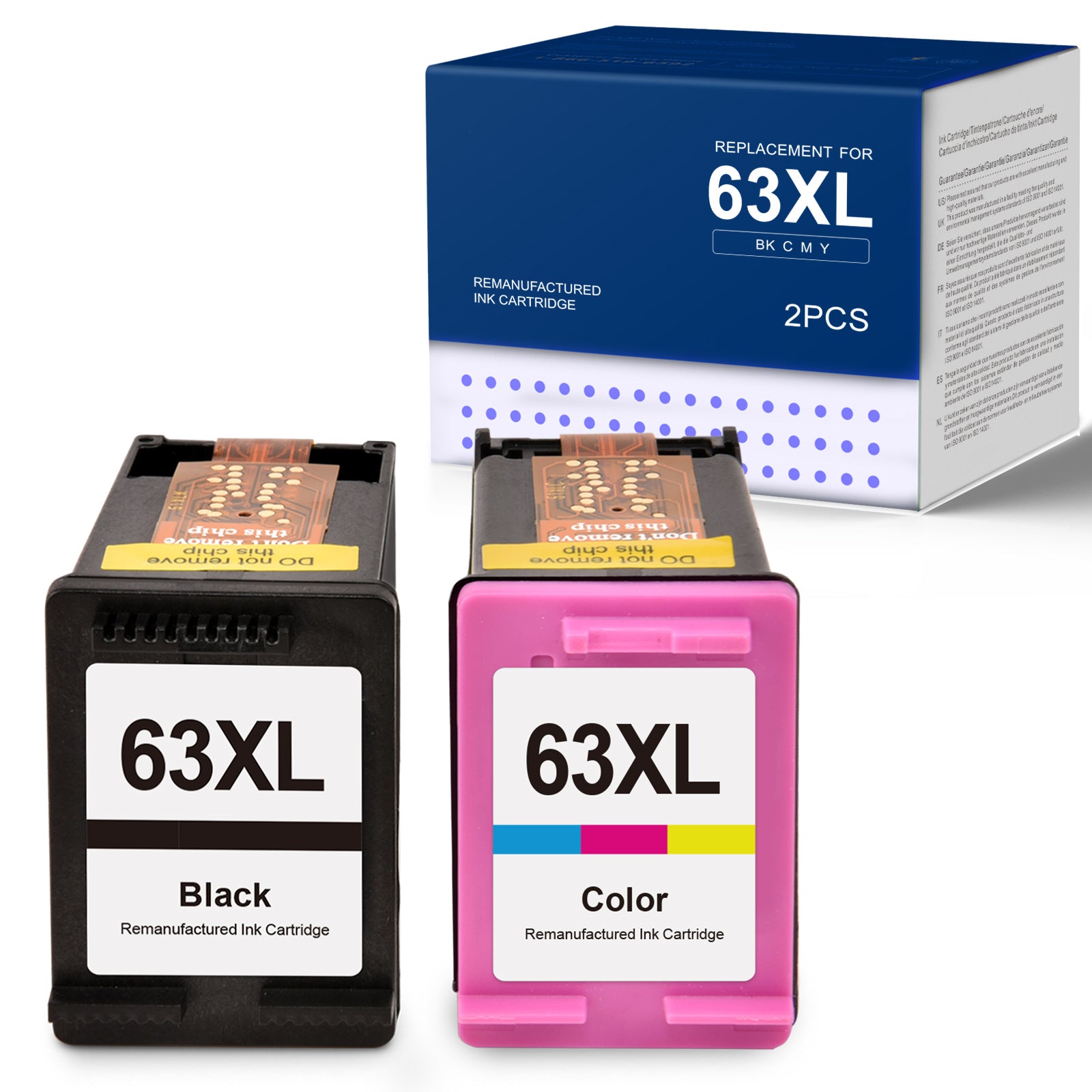
Linford Remanufactured HP 63XL Ink Cartridges — 2-Pack (1 Black + 1 Tri-Color)
This combo 2-pack contains one high-yield HP 63XL black ink cartridge and one high-yield HP 63XL tri-color ink cartridge, designed for HP Envy, OfficeJet, and DeskJet series printers. These are remanufactured cartridges — original HP shells that have been professionally cleaned, refilled with premium ink, and tested for quality. Backed by Linford's lifetime warranty.
Extra 20% off automatically applied at checkout — no code needed.
♻️ Eco-Friendly Choice: By choosing remanufactured cartridges, you're keeping original HP cartridge shells out of landfills while saving money. Every cartridge in this pack uses a recycled OEM shell refilled to full capacity.
What's in the Box
| Cartridge | OEM Number | Color | Page Yield |
|---|---|---|---|
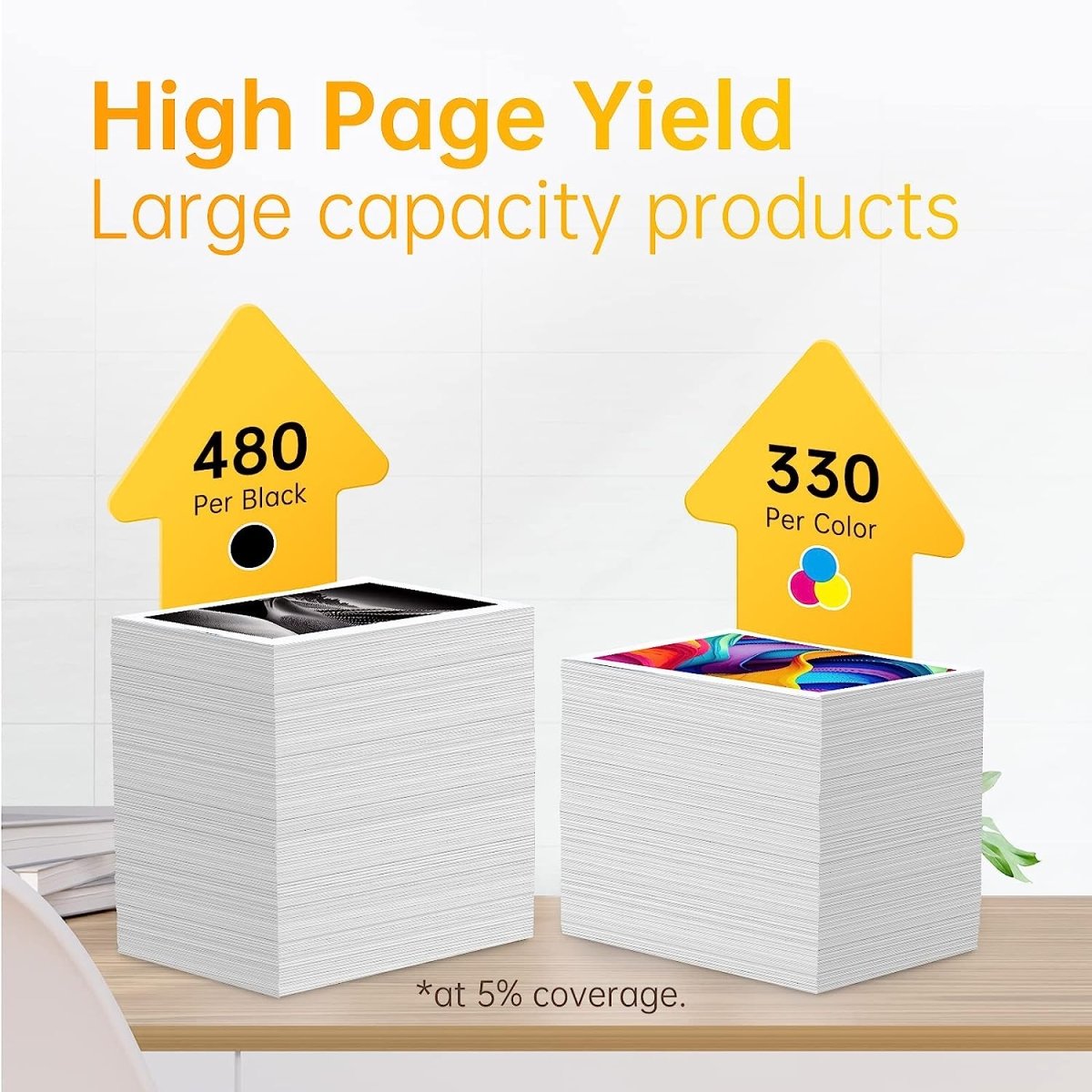
| 1 × HP 63XL Black | F6U64AN | Black | ~480 pages |
| 1 × HP 63XL Tri-Color | F6U63AN | Cyan/Magenta/Yellow | ~330 pages |
Page yield measured at 5% coverage per ISO testing standards (Letter/A4).
HP 63 vs HP 63XL: What's the Difference?
| HP 63 (Standard Yield) | HP 63XL (High Yield) | |
|---|---|---|
| Black Page Yield | ~190 pages | ~480 pages |
| Tri-Color Page Yield | ~165 pages | ~330 pages |
| Compatible Printers | Same | Same |
| Best For | Occasional printing | Regular home/office printing |
| Cost Per Page | Higher | Lower |
The HP 63XL holds significantly more ink and prints approximately 2.5× more pages than the standard HP 63. Both fit the same printers — the XL is simply the smarter choice for anyone who prints more than occasionally.
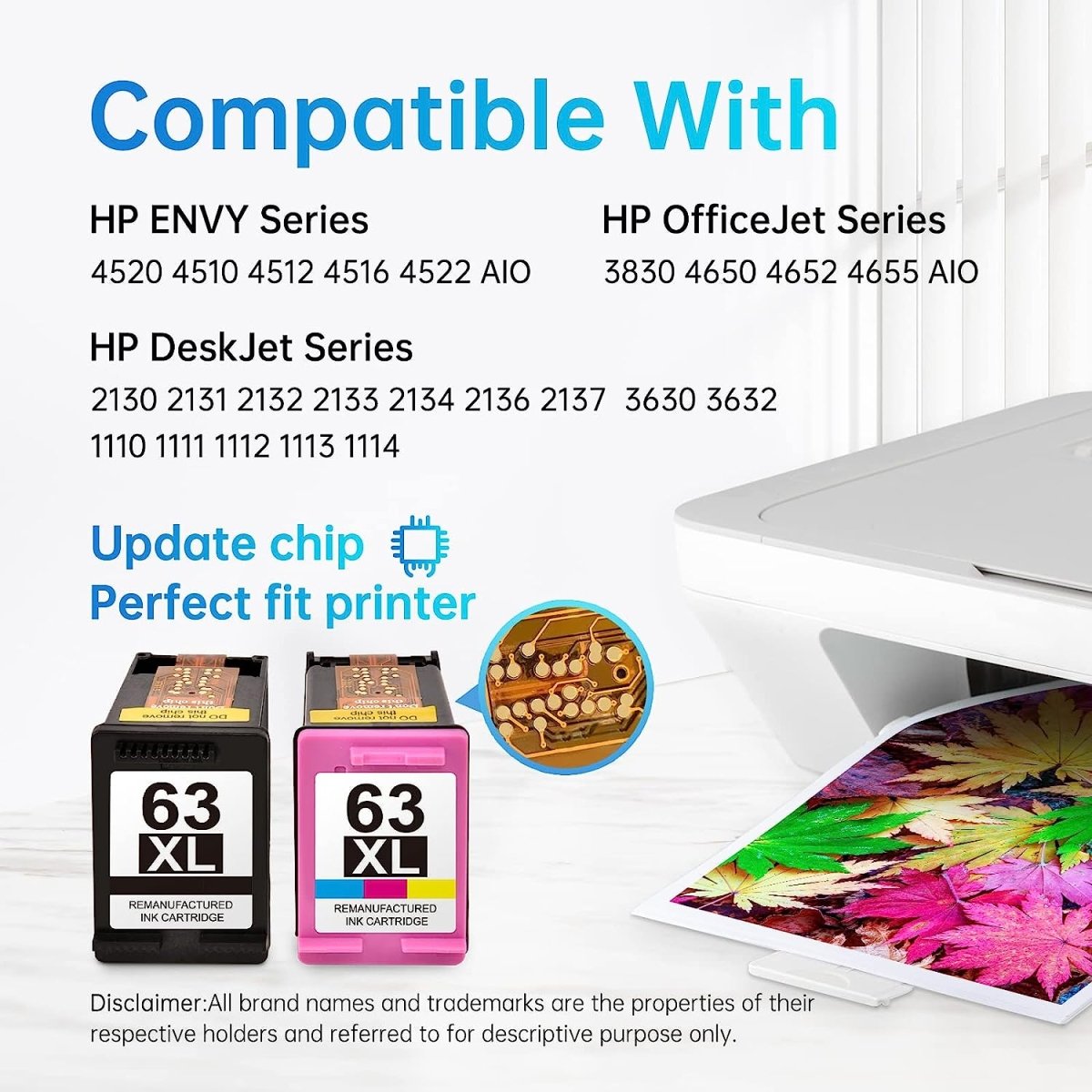
Compatible HP Printers
HP Envy Series: 4510 · 4511 · 4512 · 4513 · 4516 · 4520 · 4522 · 4524
HP OfficeJet Series: 3830 · 3831 · 3833 · 3836 · 4650 · 4652 · 4654 · 4655 · 5212 · 5222 · 5230 · 5232 · 5255 · 5260
HP DeskJet Series: 1110 · 1111 · 1112 · 1113 · 1114 · 2130 · 2131 · 2132 · 2133 · 2134 · 2136 · 2137 · 3630 · 3632 · 3633 · 3634 · 3637 · 3639
Not sure which cartridge your printer uses? Check the front panel of your HP printer or look at your current cartridge — if it shows 63 or 63XL, this pack is compatible.
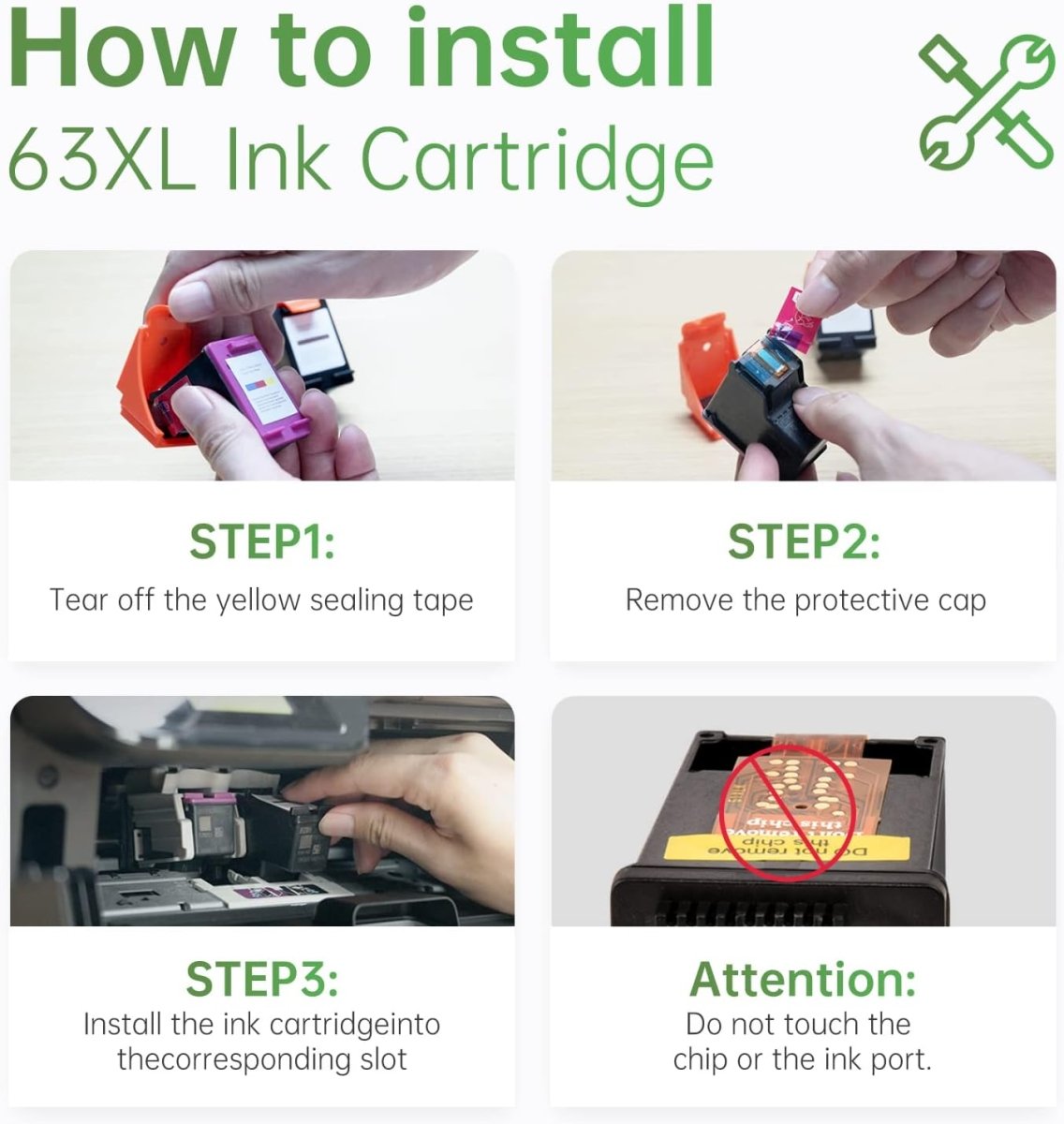
How to Install HP 63XL Ink Cartridges
- Turn on your HP printer and open the ink cartridge access door — the carriage will move to the center
- Press down on the old cartridge to release it, then slide it out of its slot
- Remove the new 63XL cartridge from its packaging and remove the orange protective tape from the nozzle area completely
- Hold the cartridge by its sides and insert it into the correct slot — black goes in the right slot, tri-color goes in the left slot
- Push the cartridge firmly upward until it clicks into place
- Close the access door — the printer will automatically align the cartridges
If your printer shows a "cartridge not recognized" error: Remove the cartridge, clean the copper contacts gently with a dry lint-free cloth, then reinstall. If the issue persists, contact our support team for a free replacement.
Frequently Asked Questions
What's in this 2-pack? One HP 63XL black ink cartridge (F6U64AN, ~480 pages) and one HP 63XL tri-color ink cartridge (F6U63AN, ~330 pages).
Are HP 63 and HP 63XL interchangeable? Yes. Both fit the same printers. HP 63 is standard yield (190 BK / 165 color pages); HP 63XL is high yield (480 BK / 330 color pages). You can use either in your printer — the XL just gives you more pages.
What is a remanufactured ink cartridge? A remanufactured cartridge uses an original HP cartridge shell that has been professionally cleaned, inspected, refilled with premium ink, and tested for quality. It performs like a new cartridge at a fraction of the OEM price, while reducing plastic waste.
Will this void my HP printer warranty? No. Under the Magnuson-Moss Warranty Act, HP cannot void your printer warranty solely because you used a remanufactured ink cartridge.
My printer says "cartridge not detected" after installing. What should I do? Remove the cartridge, ensure the orange protective tape is fully removed, clean the copper contact strip gently with a dry cloth, and reinstall firmly until it clicks. Most detection issues are resolved this way. If not, contact us for support or a free replacement.
How should I store unused cartridges? Store sealed cartridges upright in a cool, dry place away from direct sunlight. For best results, install within 18–24 months of purchase.
Linford Office is an independent supplier of remanufactured printer cartridges. HP, 63XL, F6U64AN, Envy, OfficeJet, DeskJet, and related model names are trademarks of HP Inc., referenced here for compatibility purposes only.


How to Install HP 63xl Ink Cartridge?
